
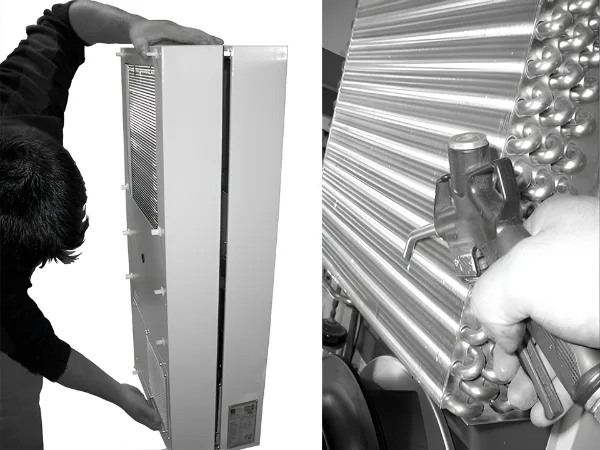
The Basic Process of Inspection and Maintenance Cooling Units:
– Check the level of dirt.
– Filter soiling? Replace the filter if necessary.
– Cooling membranes soiled? Clean if necessary.
– Activate test mode; cooling function OK?
– Check noise generation of compressor and fans.

Fig 1: Disconnect the power cord
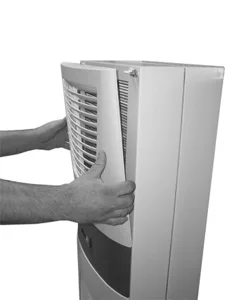
Fig 2: Remove the upper louvred grille
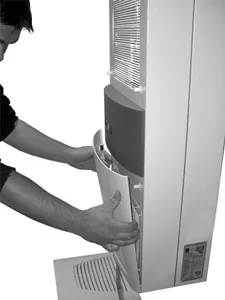
Fig 3: Remove the lower louvred grille
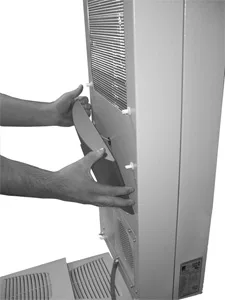
Fig 4: Remove the infill panel
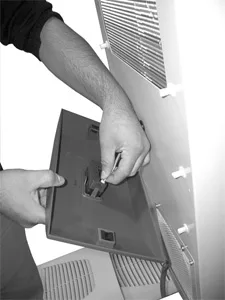
Fig 5: Disconnect the connector from the display (1)

Fig 6: Disconnect the connector from the display (2)
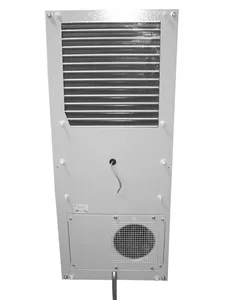
Fig 7: Cooling unit without grille
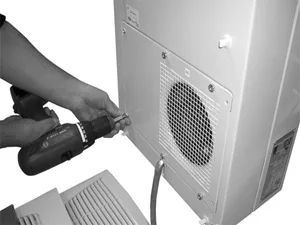
Fig 8: Remove the external circuit fan (loosen the four screws)
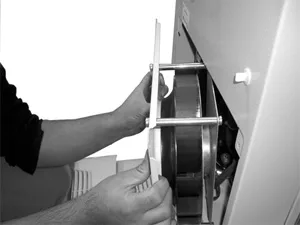
Fig 9: Remove the fan

Fig 10: Disconnect the fan connectors

Fig 11: Remove the cover (loosen the four screws)

Fig 12: Push back the display cable

Fig 13: Push the display cable through the cable gland

Fig 14: Remove the cover (1)

Fig 15: Remove the cover (2)

Fig 16: Loosen the earthing cable between the cover and the chassis (1)

Fig 17: Loosen the earthing cable between the cover and the chassis (2)

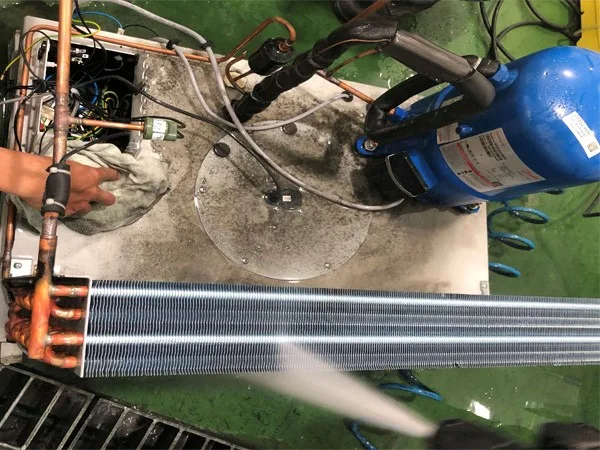
Fig 18: Clean out the heat exchanger coil and compressor chamber using compressed air (1)

Fig 19: Clean out the heat exchanger coil and compressor chamber using compressed air (2)


Comments
Submit a comment
Share your thoughts about this content.
Approved comments
No approved comments yet.